
LiteLLM Package Hijacked on PyPI and Docker Hub: Who Is Affected and How to Clean Up
Developers and organisations using LiteLLM are being urged to investigate a supply-chain compromise after attackers distributed a malicious release through the project’s own release pipeline.
LiteLLM, an open-source proxy used by teams to route requests across different AI providers, disclosed the incident on Wednesday, October 21, 2026.
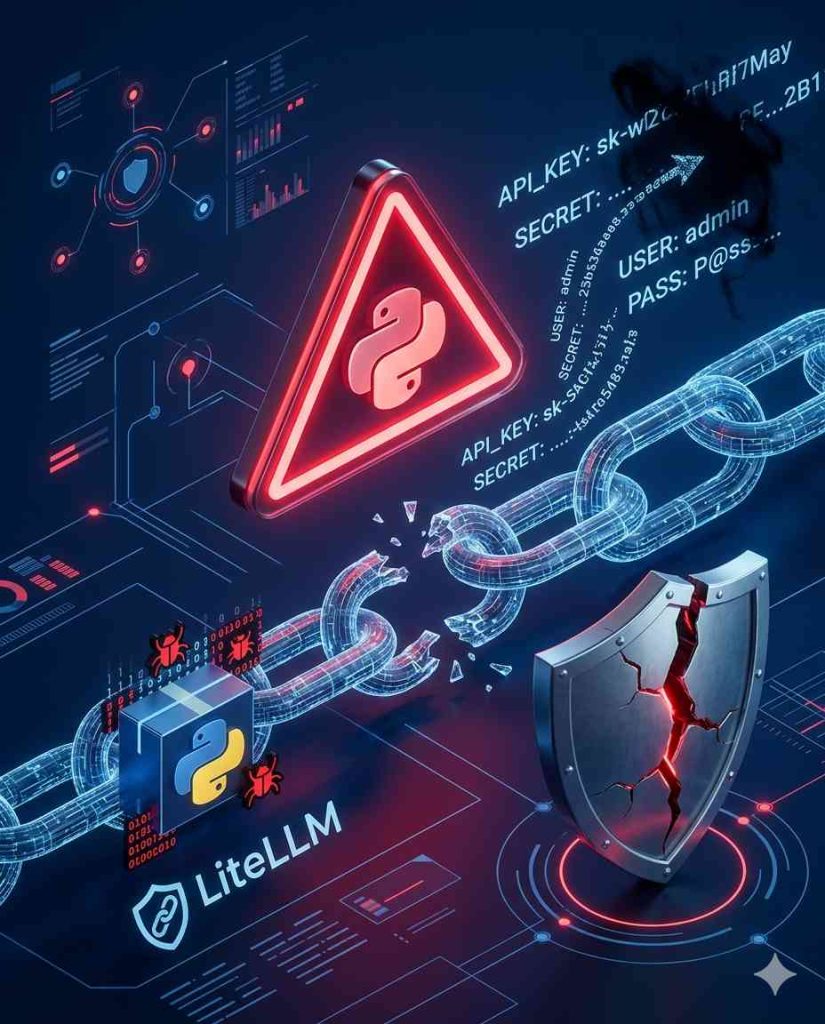
The affected version, LiteLLM 1.107.0, appeared on PyPI, Docker Hub and the GitHub Container Registry at around 4:00 a.m. Pacific time. The malicious release contained a credential stealer targeting cloud keys, passwords and AI service credentials, alongside a remote access trojan that retrieved instructions from an external server every hour.
This combination makes the incident particularly concerning for development teams. A compromised developer package can potentially expose secrets that grant access to cloud infrastructure, databases, AI model providers and other connected services.
The exposure windows are relatively narrow, which can help organisations determine whether they were affected. However, teams should not assume that they are safe simply because the malicious release was available for a limited period.
Which LiteLLM Versions and Docker Images Were Affected?
The reported exposure windows are as follows.
Python package installations: Anyone who installed an unpinned LiteLLM package through pip between 11:39 a.m. and 1:23 p.m. UTC was identified as potentially affected.
Docker images: Anyone who pulled the 1.107.0, latest, main-latest or main-stable Docker images between 11:46 a.m. and 2:20 p.m. UTC should investigate their exposure.
The project removed the malicious packages and images, and PyPI quarantined the project while the investigation continued.
Security companies SafeDep, Socket, StepSecurity and Upwind also reported on the compromise.
The specific exposure windows are useful for reviewing installation logs, container registries and deployment records. Nevertheless, teams should consider whether the compromised version was executed and what credentials were accessible to the affected process.
A package can create a security problem even after it has been removed from a registry. Existing containers, virtual environments and installed dependencies may continue to contain the malicious code.
What Did the Malicious LiteLLM Package Do?
The compromised release reportedly contained two major types of malicious functionality.
The first was a credential stealer designed to collect sensitive information, including cloud keys, passwords and AI service credentials.
These credentials can be especially valuable in AI development environments because a single application may connect to several model providers, cloud platforms and internal services.
The second component was a remote access trojan that contacted an external server every hour to retrieve instructions.
A remote access trojan can give an attacker a way to maintain communication with a compromised system and potentially carry out additional actions, depending on its capabilities and the privileges available.
For this reason, removing LiteLLM 1.107.0 is not enough if the malicious release was installed and executed. Exposed credentials must be rotated, and affected machines or containers must be investigated for signs of continuing compromise.
How Did Attackers Get Into the LiteLLM Release Pipeline?
One of the most important details is how the malicious actions were reportedly carried out.
LiteLLM’s director of security said the activity passed through three engineers’ GitHub accounts, apparently using stolen GitHub CLI OAuth tokens.
According to the supplied reporting, one account triggered the release job while another approved it. This meant that the existing two-person control was defeated even though it was designed to reduce the risk of unauthorised releases.
A later update said the company suspected a GitHub token had leaked into AI gateway logs.
That possibility is an important reminder for developers and security teams: logs can contain sensitive information that was never intended to be stored there.
API keys, access tokens, session credentials and other secrets can accidentally appear in application logs, debugging output or monitoring systems. If an attacker gains access to those records, the information may provide a route into developer accounts or production infrastructure.
The incident also demonstrates why release security requires more than simply requiring two people to approve a change. Organisations need to protect the identities and tokens used by both the person initiating a release and the person approving it.
A Separate Railway Security Incident Raises Similar Concerns
A separate incident involving Railway, a platform-as-a-service provider, was disclosed on the same day.
Railway reported unusual activity in systems that store customer environment variables. These variables are key-value pairs that commonly hold API keys, database credentials and other application configuration data.
The company said an unauthorised party may have read encrypted variables and, in some cases, obtained their decrypted contents. The activity was limited to a subset of users.
Railway also said the activity appeared to be part of a broader series targeting platform companies, with AI inference providers as the eventual goal, and urged customers to rotate credentials.
The supplied reporting does not establish a link between the Railway incident and the LiteLLM compromise. They should therefore be treated as separate incidents rather than described as one coordinated breach.
However, both events highlight the importance of protecting the credentials and environment variables that connect development tools to production systems.
What Developers Should Do If They Used LiteLLM During the Exposure Window
If you installed or ran LiteLLM during the affected period, treat the incident as a potential exposure of every secret accessible to that machine or container.
1. Rotate exposed credentials
Replace cloud access keys, AI model provider keys, database passwords and other credentials that may have been accessible to the compromised environment.
Where applicable, revoke old tokens and review whether they were used unexpectedly.
Do not simply move the same credentials into a new container. If the old secrets were exposed, they need to be replaced.
2. Investigate installed packages and containers
Review Python environments, Docker deployments and container registry records to determine whether the affected release was installed or executed.
Pay particular attention to systems that automatically pulled the latest, main-latest or main-stable images.
3. Follow LiteLLM’s remediation guidance
Consult the project’s official GitHub issue and remediation notes for the latest instructions.
Use those instructions alongside your own incident response process to determine whether systems need to be rebuilt or additional evidence collected.
4. Review GitHub access
Inspect relevant GitHub accounts, OAuth authorisations, CLI credentials and release activity for unexpected behaviour.
Revoke suspicious or unnecessary tokens and ensure that release credentials have not been reused across environments.
5. Check logs for exposed secrets
Review application and AI gateway logging configurations. Identify whether credentials or tokens may have been written to logs and restrict access to any affected records.
If a secret was exposed in logs, rotate it even if there is no evidence that an attacker accessed the log file.
How to Reduce the Risk of Another Developer Package Attack
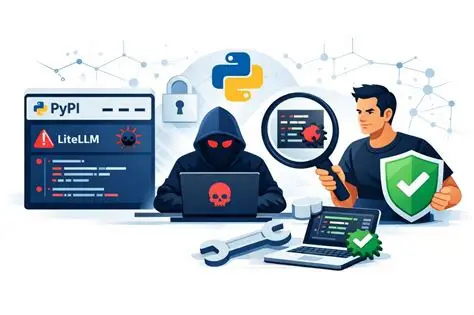
The LiteLLM incident provides several practical lessons for software supply-chain security.
Pin exact dependency versions. Avoid relying on unpinned packages when deploying sensitive production systems. Use exact versions and hashes where supported so that installations can be checked against the intended package.
Delay automatic upgrades. Introducing a short delay of a day or two before automatically adopting new package versions can provide time for malicious releases to be identified. This should complement, not replace, dependency verification and security monitoring.
Protect release credentials. Developer tokens and automation credentials should be tightly controlled, regularly reviewed and protected against theft.
Keep secrets out of logs. Review logging and debugging systems to ensure they do not unnecessarily record API keys, passwords or authentication tokens.
Strengthen release approvals. Two-person approval is useful, but it must be supported by secure accounts, protected tokens and reliable verification of release changes.
Maintain an incident response plan. Teams should know how to revoke credentials, replace compromised containers, inspect release history and restore trusted application environments.
What the LiteLLM Compromise Means for AI Development
AI infrastructure increasingly depends on a network of packages, gateways, model providers, cloud services and developer tools. A compromise in one part of that chain can create risks far beyond the original application.
LiteLLM’s role as a proxy for requests across AI providers makes the security of its release process particularly important for teams that rely on it to manage access to multiple services.
The lesson is not that open-source software should be avoided. It is that open-source dependencies must be managed with the same attention given to production credentials, access controls and deployment security.