
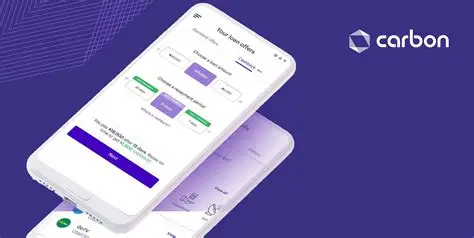
Quick cash requests still move fast on Carbon for users who already keep regular activity inside the app. The platform combines instant loan offers with simple savings tools under one login, giving users a way to handle short-term needs while also setting money aside.
Open the Carbon app and confirm your profile shows full KYC with matching BVN and NIN. Go to the Borrow section and select the amount that fits your repayment ability.
Review the displayed interest rate, tenure and total amount due before you accept the offer. Choose the bank account that will receive the funds and submit. Most cleared requests credit the account within minutes.
After the money arrives, open the loan details and set a repayment reminder for a few days before the due date.
If you prefer to save instead of borrow, switch to the Savings or Target tab, create a new goal and set an automatic daily or weekly deduction from your main balance.
Monitor the growing balance under the same tab and withdraw only when the goal matures or when the app allows penalty-free exit. Keep notifications turned on for both loan due dates and savings milestones.
Clear the app cache if the loan offer page loads blank and retry on stable data.
These loan-request and savings-setup moves keep the Carbon wallet useful for short-term needs while helping users manage repayments and savings from the same app without extra bank visits.

