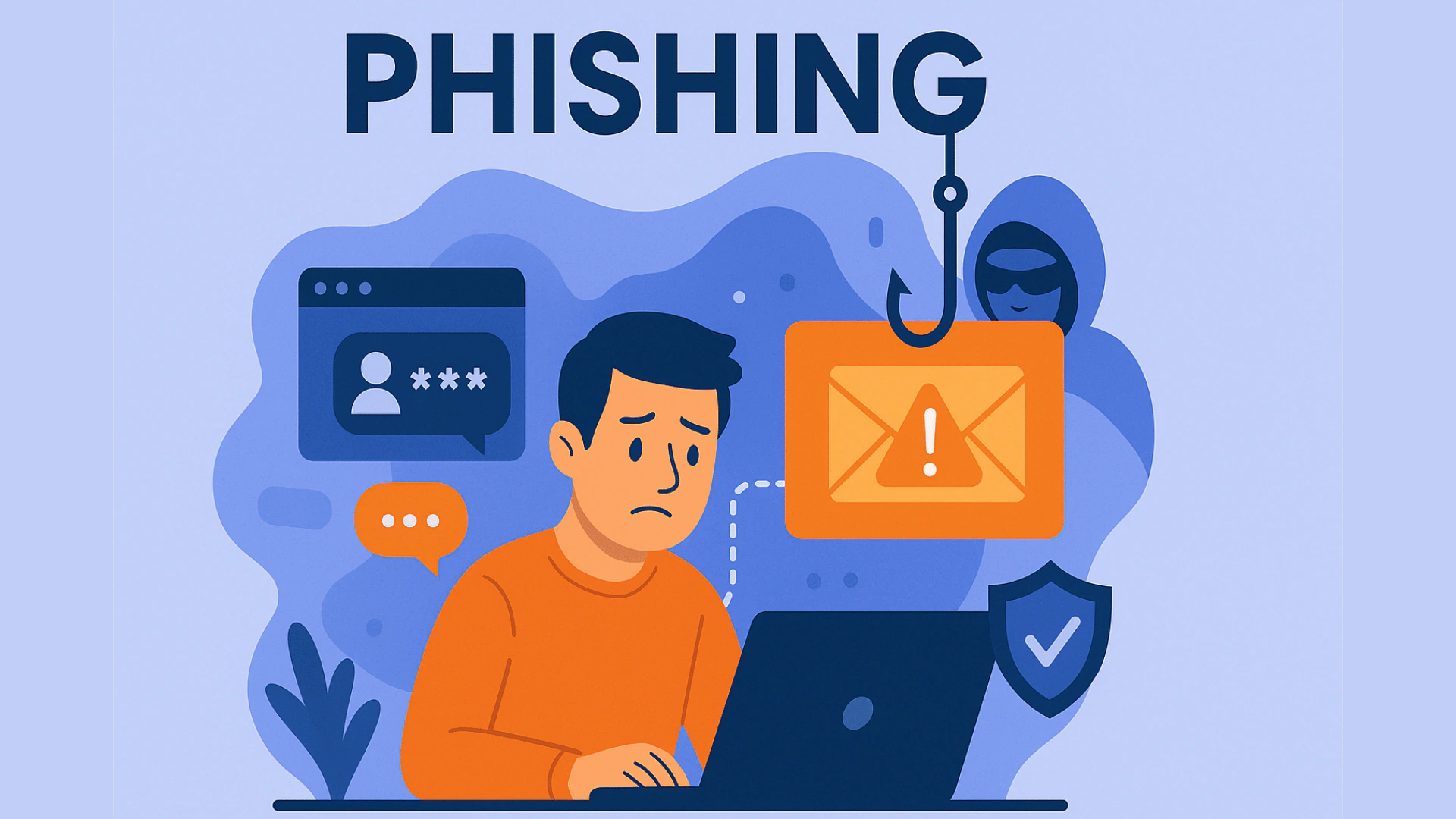
Most romance and crypto investment scams begin with a message that arrives on a phone connected to a home network.
While scammers may rely mainly on social engineering, securing the home network and the devices connected to it adds another layer of protection for families.
Secure Your Router and Devices
Change the default password on your router to a long phrase that mixes letters, numbers and symbols.
Enable the strongest encryption setting available, usually WPA3 if the router supports it.
Create a separate guest network for visitors so that their devices cannot reach the computers and phones that hold banking apps.
Turn off remote management features unless you actively need them.
Keep the router’s firmware updated; manufacturers release patches that close known vulnerabilities.
On every device used for messaging or banking, enable two-factor authentication and review login alerts regularly.
Be Careful With Online Relationships and Investments
Be cautious of any new contact who quickly moves the conversation to private chat and then introduces an investment opportunity or a sudden financial emergency.
Real relationships and legitimate investments rarely demand secrecy or urgent transfers.
Periodically check the list of devices connected to your WiFi and remove any that are unknown.
These steps reduce the chance that a compromised phone or laptop on the home network becomes the entry point for larger fraud.
Families that treat the home network as shared critical infrastructure rather than a simple convenience lower their exposure to the most common online confidence tricks currently operating.
Good WiFi security cannot by itself stop a romance or investment scam, but combining network protection with basic caution around unknown contacts and urgent money requests can significantly reduce the risks.