Satellite internet keeps gaining ground in places where regular broadband stays unreliable, and Starlink continues serving a growing subscriber base across Nigeria.
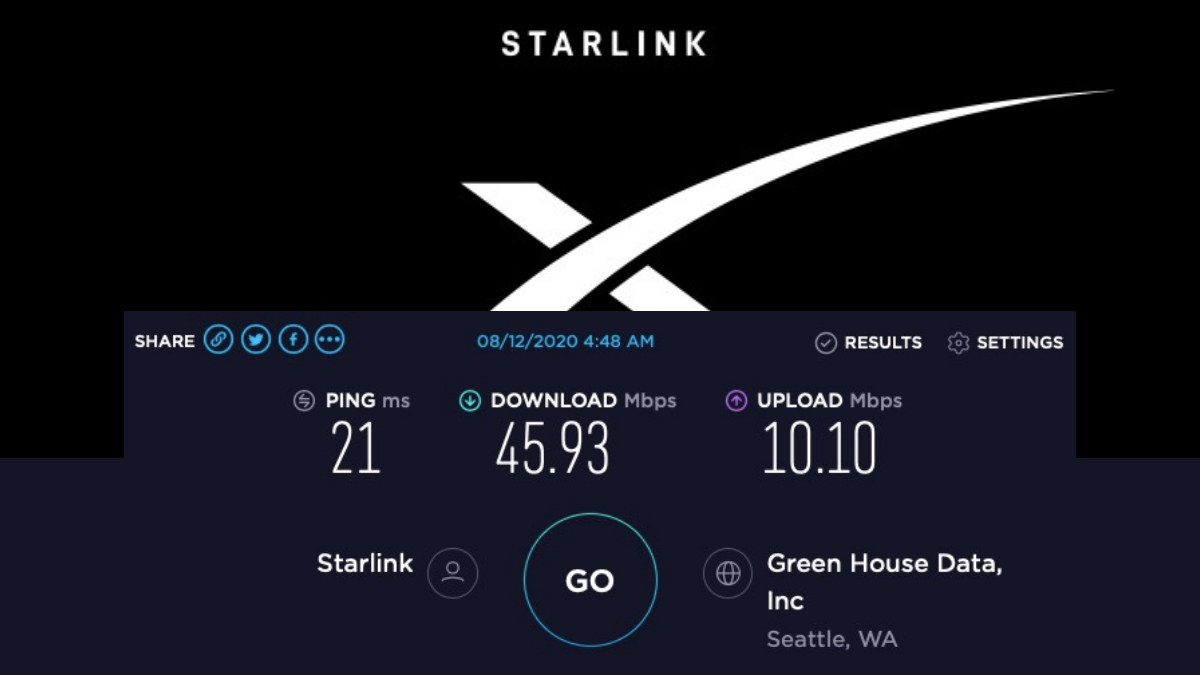
Recent measurements put download speeds in a usable range for most households, while latency stays low enough for calls and streaming. If you already have the kit, place the dish with a clear view of the sky, away from tall buildings and trees.
Connect the cable to the router, then power both units. Open the Starlink app on your phone and follow the on-screen alignment guide until the obstruction map shows mostly clear.
Once online, run a speed test inside the app or on a browser and note the download, upload and latency numbers.
For congested areas in Lagos or Abuja, check whether residential service is open or if only the higher-priority business tier is available at the moment.
Update the router firmware through the app whenever a notification appears.
If the connection drops during rain or heavy cloud, wait for the weather to clear, then restart the router from the app or by power cycling the unit.
Set up a separate Wi-Fi name for work devices so everyday phones do not compete with critical traffic. Monitor data usage inside the app if your plan has any soft limits.
Keep the dish cables protected from rodents and weather with simple covers.
Once the dish has a clear view and the router is properly configured, regular speed checks and basic monitoring can help keep the connection stable without constant troubleshooting.