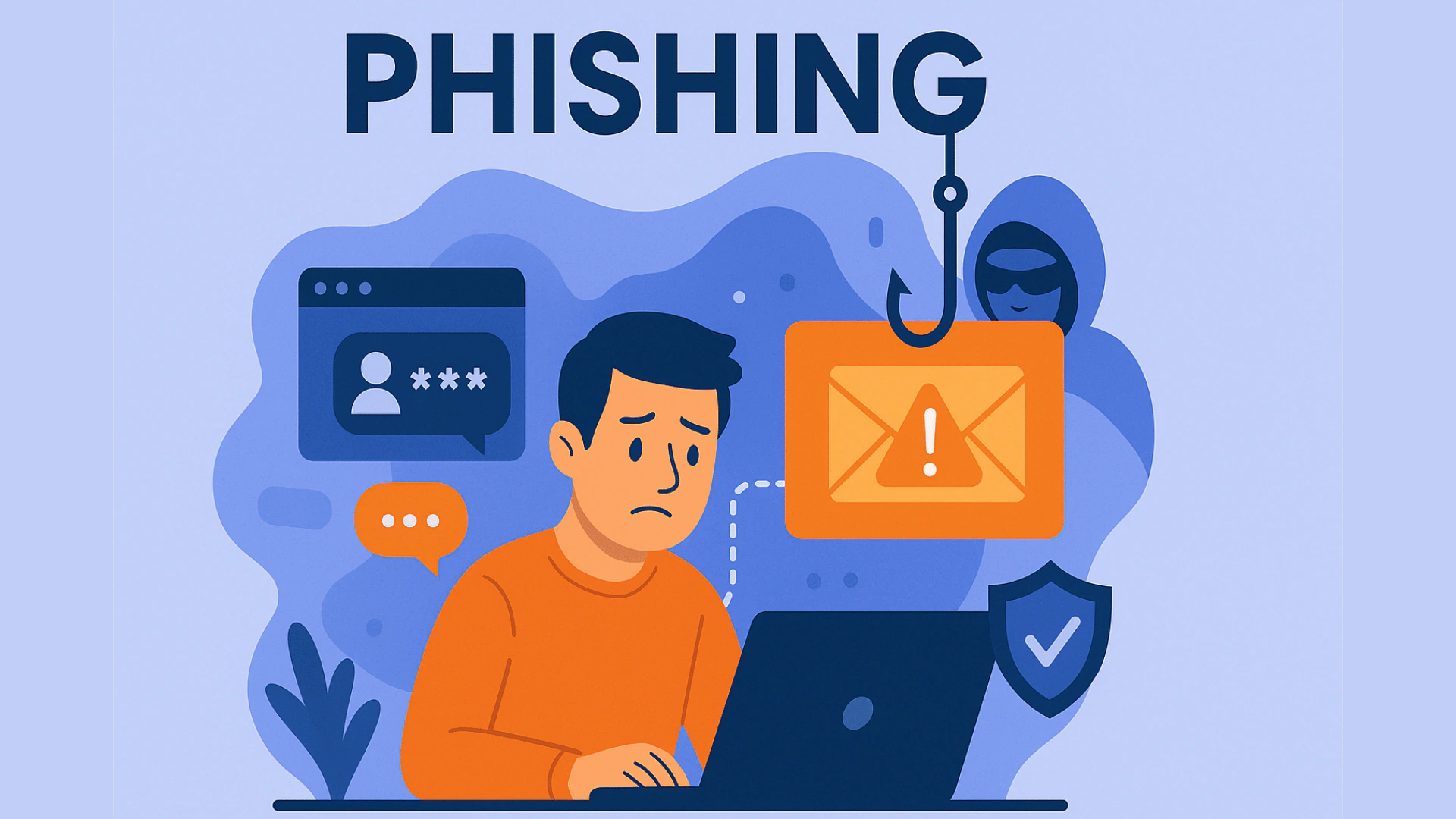
Phishing emails are designed to trick users into revealing sensitive information, downloading malicious software or visiting fake websites.
The most common phishing attacks attempt to create a sense of urgency.
An email might claim that your bank account is about to be closed, your payment has failed, your password needs to be changed or your account has been compromised.
The goal is to make you react before you have time to think.
Be Careful With Emails That Demand Immediate Action
If an email asks you to act immediately to avoid a negative outcome, particularly when money or account security is involved, stop and verify the request independently.
Do not automatically click the link inside the email.
Instead, open the official website or application yourself and check whether there is actually a problem with your account.
This simple habit can prevent many phishing attacks.
Check Where the Link Actually Goes
Most email applications and web browsers allow you to hover over a link without clicking it.
When you do this, you can usually see the actual web address that the link points to.
Look carefully at the domain.
Scammers often create addresses that look similar to legitimate websites but contain misspellings, extra characters or completely different domains.
For example, a fake website might use a spelling that looks almost identical to the legitimate company.
Never Trust an Email Simply Because It Looks Professional
Phishing emails have become much more convincing.
Scammers can copy company logos, colors, fonts and email layouts.
Artificial intelligence has also made it easier to produce professional-looking messages without obvious spelling or grammar mistakes.
This means that poor grammar is no longer the only warning sign.
The request itself should also be examined.
Be Careful Even When the Email Appears to Come From Someone You Know
Some of the most dangerous phishing messages are emails that appear to come from friends, colleagues or business partners.
If someone you know suddenly asks for money, passwords, account information or an unusual action, independently verify the request.
A quick phone call or direct message can prevent a serious mistake.
Watch for Common Phishing Warning Signs
Some common warning signs include:
- Urgent requests for money or personal information
- Threats that your account will be closed
- Unexpected password-reset requests
- Suspicious attachments
- Links with unusual domains
- Requests for cryptocurrency payments
- Fake invoices
- Unexpected login notifications
- Messages claiming to be from banks or government agencies
What to Do If You Receive a Suspicious Email
If you are unsure about an email, do not click its links or attachments.
Instead, contact the company through its official website or application.
Large companies also commonly provide abuse or phishing reporting addresses.
The most important rule is simple: verify independently before you act.