Short-video creators keep sharing phone-only editing methods that avoid downloading heavy apps and still produce clean results. For creators working with limited storage, the advantage is simple: much of the basic recording, trimming, text and audio work can be completed directly inside Instagram and TikTok.
Simple Phone-Only Editing Workflow
On Instagram, the First Draft feature that auto-assembles a rough Reel from selected clips has become a starting point rather than a final product. Creators film three to five short clips, drop them into the tool, then manually trim the pauses and rearrange the order inside the same screen.
Adding text in the native editor with high-contrast colours and placing it in the upper third keeps it readable on both TikTok and Instagram. A widely repeated timing trick is to keep the first three seconds completely free of text so the algorithm and the viewer can lock onto the visual before any caption appears.
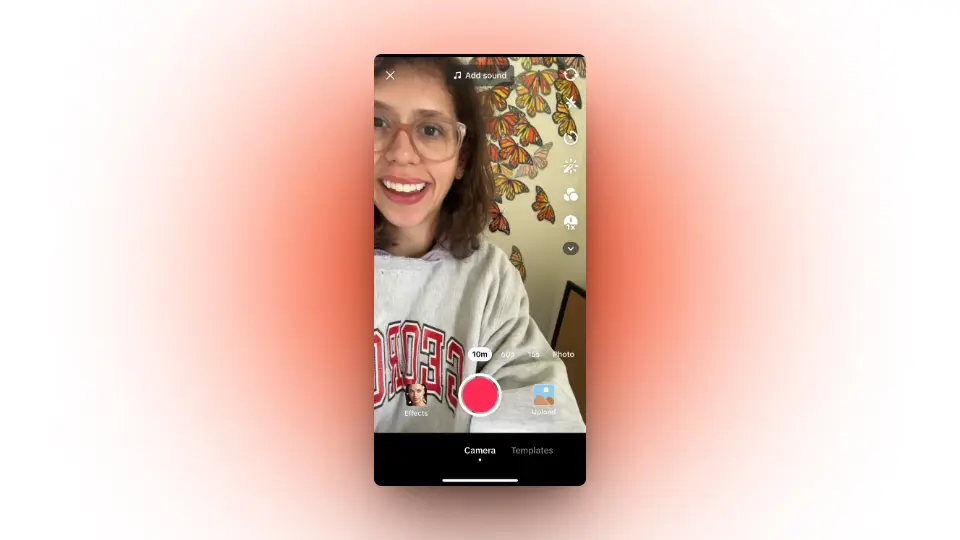
On TikTok, the same clips can be uploaded and then adjusted with the built-in speed controls and the align tool to create simple jump cuts. Audio is handled by selecting a trending sound first, then adjusting the original clip volume down to 20 or 30 percent so the voice or ambient sound sits underneath without clashing.
People who post daily batch-record five short clips in one session, edit them all the same evening, and schedule or post over the next two days. This reduces the daily decision fatigue that causes many accounts to go quiet.
The entire workflow stays inside the two native apps, which matters for users who cannot keep multiple large editing applications on a phone with limited storage. The results look intentional without requiring desktop software or paid subscriptions, making the approach especially useful for creators who want a simple editing routine without adding another app to their phones.