
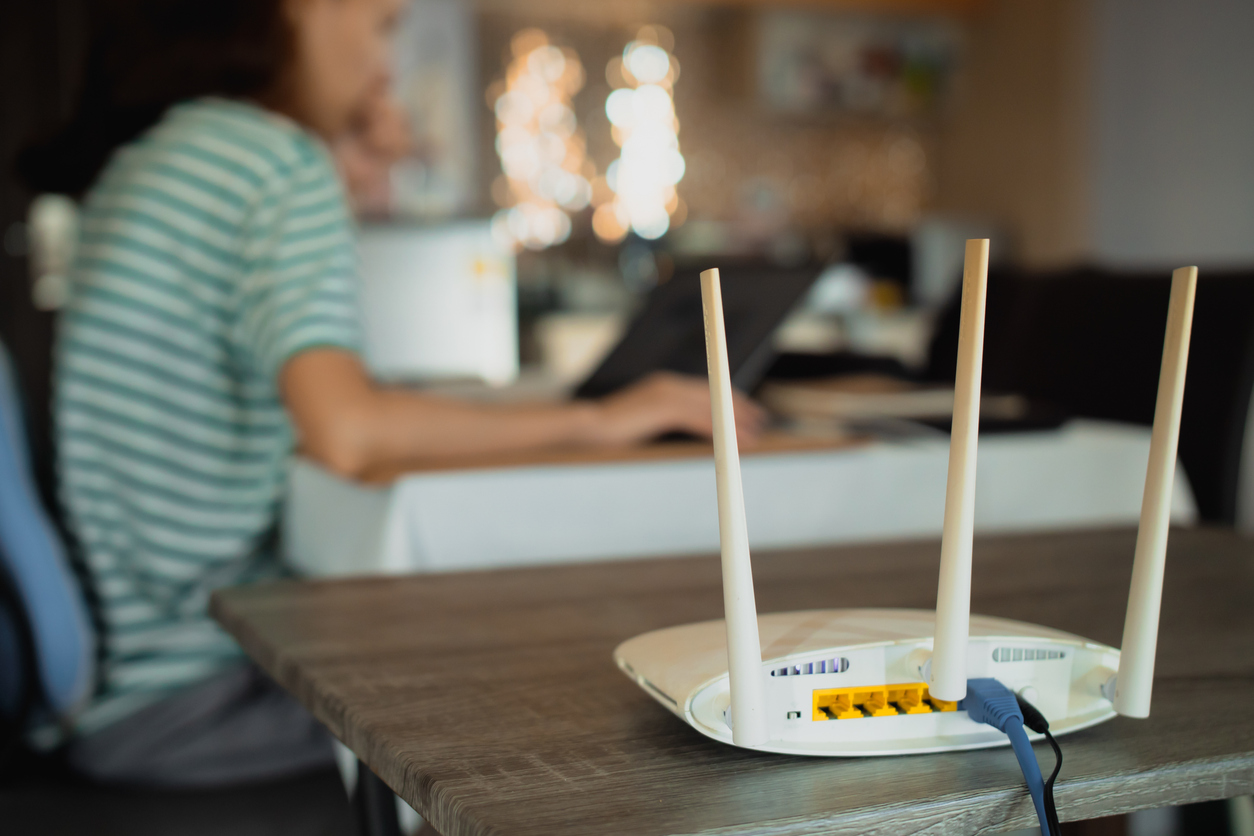
Slow home Wi-Fi remains one of the most common complaints in family group chats, and the fixes that actually work are often being passed around with photos of router settings. In many cases, the problem is not simply the internet plan; router placement, interference, connected devices and network settings can all affect everyday speed.
Simple Router Changes That Can Help
Start by placing the router in a central, elevated position away from thick walls, microwave ovens and large metal objects. Many households keep the router on the floor behind the television; simply raising it one metre and moving it to an open shelf improves coverage for two or three rooms.
Log into the router admin page, usually 192.168.1.1 or 192.168.0.1, and change the Wi-Fi channel to one that is less crowded. In dense estates, the default channel is often saturated; switching to channel 1, 6 or 11 on the 2.4 GHz band, or a clear channel on 5 GHz, reduces interference.
Enable band steering if the router supports it so newer phones automatically use the faster 5 GHz network. Change the default Wi-Fi password and network name to something unique; this prevents neighbours from connecting and consuming bandwidth.
Schedule a weekly restart of the router by unplugging it for sixty seconds every Sunday night. For households with many devices, create a guest network for visitors and smart home gadgets so the main network stays reserved for work and school devices.
If the internet plan itself is the bottleneck, the practical test shared in groups is to run a speed test at 6 am, 1 pm and 8 pm for three days. Consistent low numbers at peak evening hours usually mean the plan needs upgrading rather than more router tweaks.
These steps cost nothing and can solve many of the “my Wi-Fi is slow” complaints that appear every week. A few basic changes to placement, settings and connected devices can make an existing connection feel much more usable before spending money on new equipment.